Early access opens October 22: $97 for ten days, then $197
Time until early access opens:
// set up this weekend. editing in your style by monday.
Edit With AI: The Full Setup
AI video editing for busy people, with standards.
Set it up in a weekend. AI edits every video in your style, and you never spend hours editing again. The exact system that took me from one video a week to ten, with a full-time job.
// the problem
You tried letting AI edit. Here's what came back.
01
It looks like AI made it.
Generic fonts, none of your branding, text floating in odd places, spacing that's slightly off. You spend longer fixing the edit than it would have taken to do it yourself.
02
The cuts are wrong.
The pacing drags. It leaves the silences in, clips the end of a word, keeps the same sentence twice because it couldn't tell which take was the good one, and the voiceover drifts off the B-roll.
03
One-click editors are too basic.
Every AI editor claims to edit your video in one shot. Try one: no control over fonts or branding, you still place the text by hand, and it looks sloppy. You have standards, and it isn't presentable.
This system gives AI your style guide first, then lets it edit.
// what you'll learn
What each part of the course actually produces.
01 · YOUR VOICE
Clean cuts, no clipped words, no doubles.
Record every take in one file without stopping. AI cuts the silences, the false starts and the lines you said twice, keeps your best take, then suggests a tighter cut you approve line by line.
YOUR TAKES, WITH THE PROPOSED CUTS
- So the thing about editing is, um,CUT · FALSE START
- [ 2.1 s silence ]CUT · SILENCE
- So the thing about editing is that it takes forever.
- it takes forever,CUT · DUPLICATE
- and you don't have forever.
- Which is why I stopped doing it myself.CUT · WEAKER TAKE, KEPT TAKE 3
- Which is why I stopped doing it myself.
02 · MAKE IT YOURS
A style board for every kind of frame.
One frame for every kind of moment in a video, in your fonts and colours, tested on every background you film against so you never restyle per location. This is mine.
Hook
Asset behind the head
Call to action
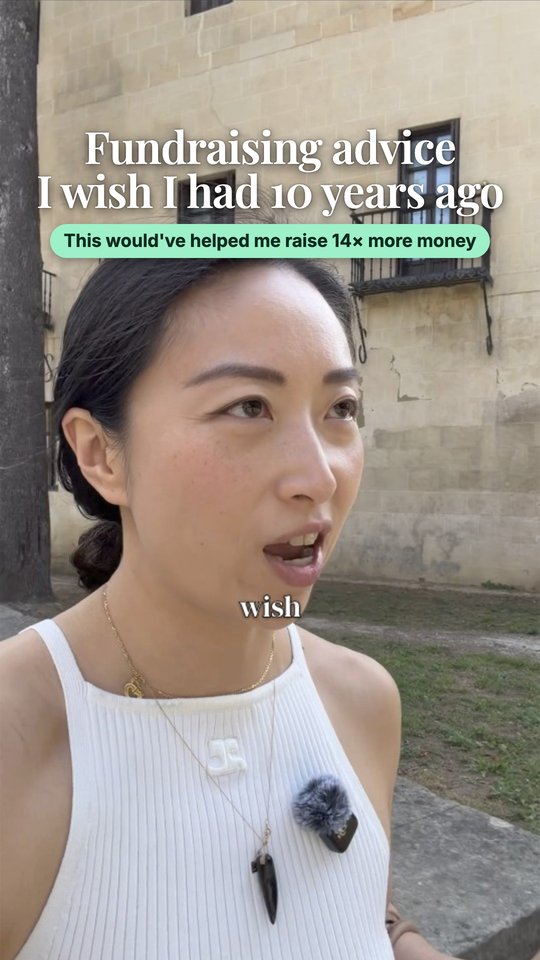
Same hook, outdoors
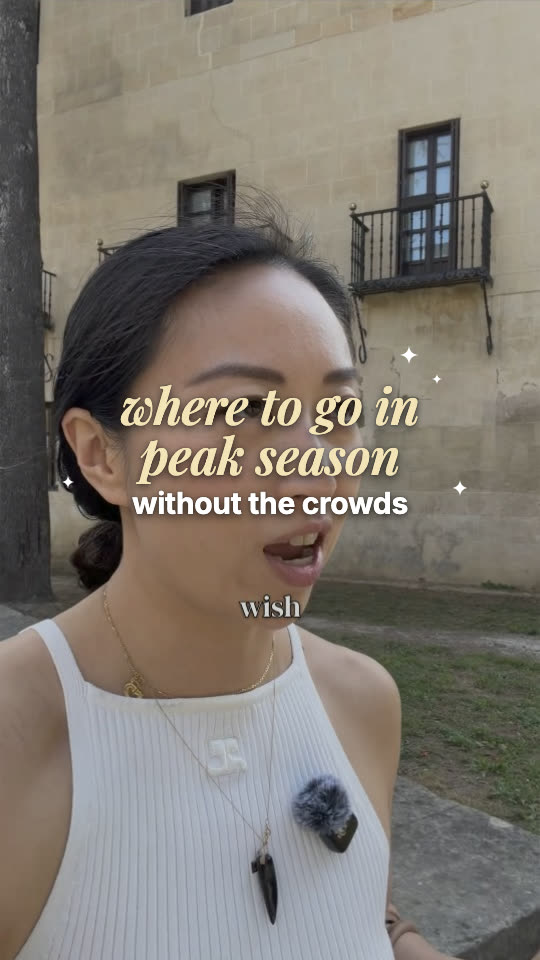
Travel opening
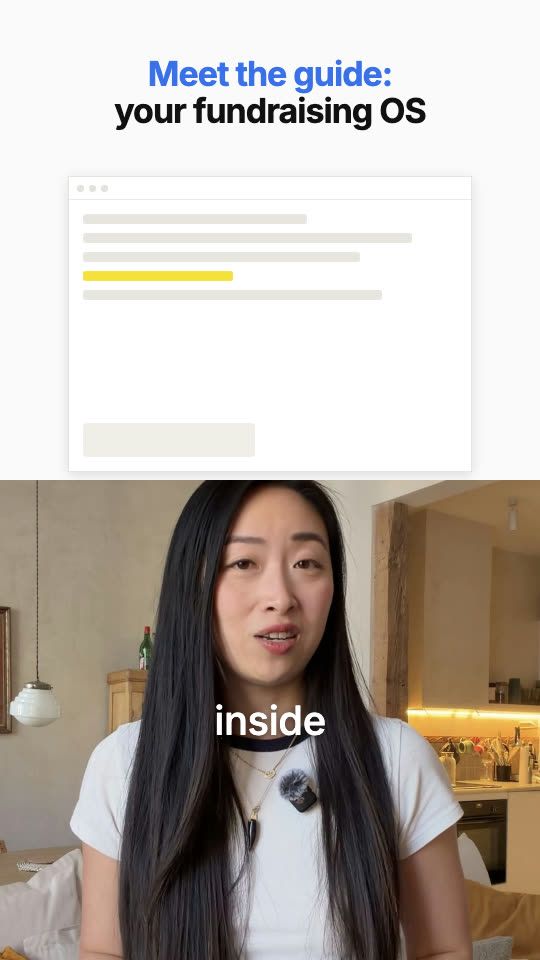
Split-screen demo
03 · A PILE OF CLIPS
Hundreds of clips, sorted before AI touches the edit.
A trip gives you hundreds of clips. AI sorts, names and shortlists them, then builds you a board to approve your selects, so you decide what goes in. Want to choose which clip goes where? Storyboard it first. You don't have to.
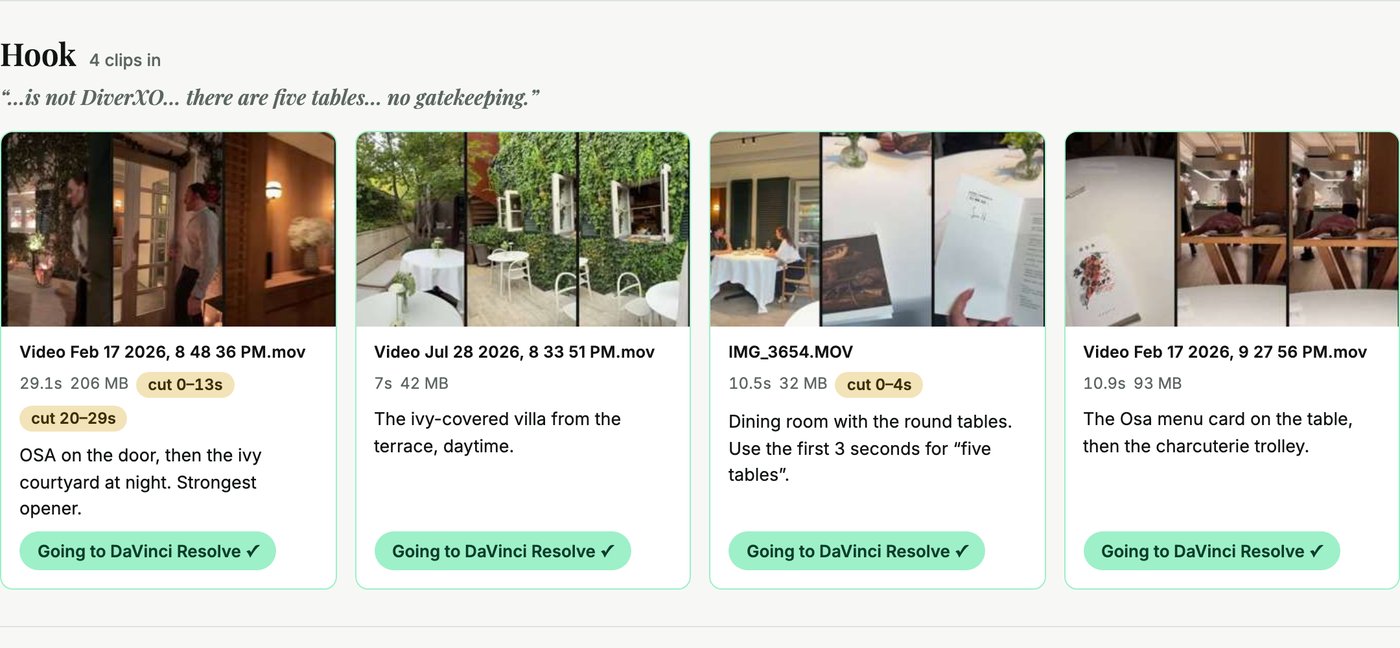
Madrid: every clip filed under the line of the script it belongs to, the seconds to cut marked on each.
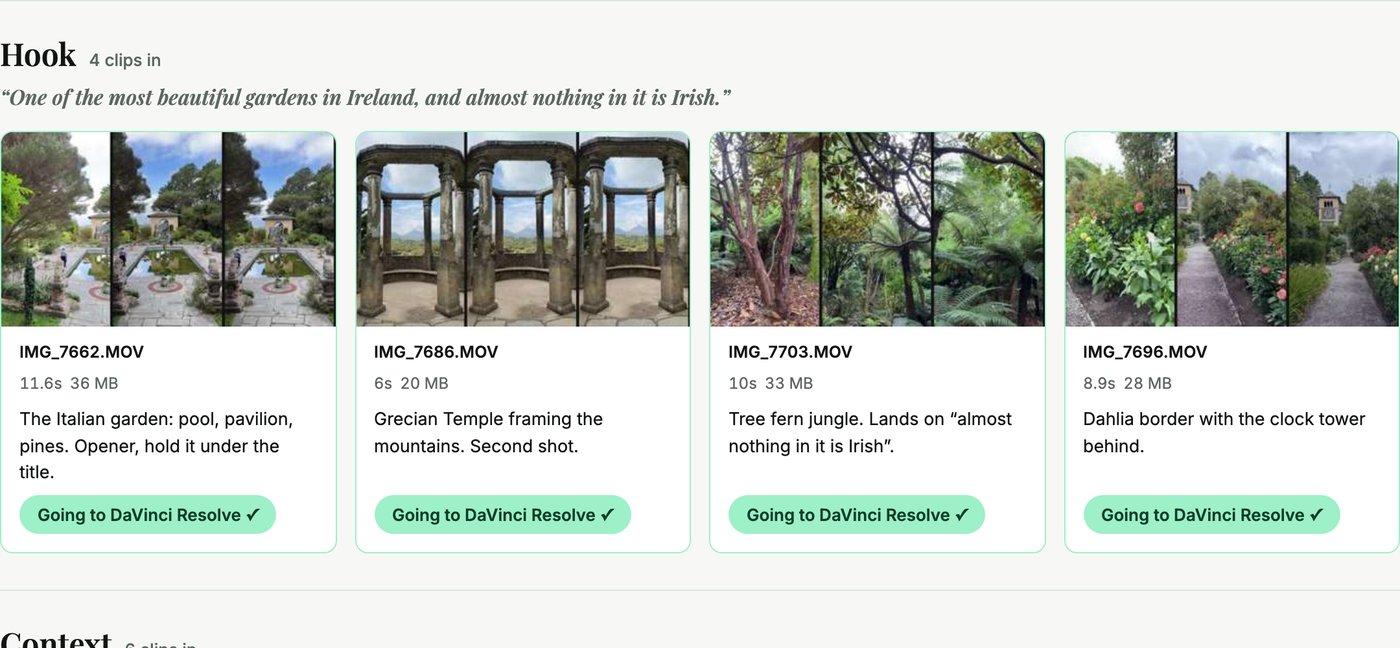
Ireland: the same board for a garden walk. You tap a clip in or out; nothing is edited until you say so.
04 · LEARN ANY FORMAT
Turn a video you love into a pacing system.
Pick a video that's working, even one with a complicated visual hook. AI watches it frame by frame and hands back every zoom, cut, caption and sound with a timestamp, then turns that into a skill of your own. Below: the reference, and my version built from it.
25
zoom changes in this 103-second reference. By hand, every one of those is a set of keyframes, and it takes forever, if you even know what a keyframe is. AI mapped all of them in one pass.
THE PACING MAP
25 zoom changes · something new every 2.3 s
| TIME | EVENT | DETAIL |
|---|---|---|
| 0:00.0 | Open | Blur clears by 0.3 s, headline on screen |
| 0:03.2 | Graphic in | Product mockup pops in over her chest |
| 0:06.3 | Zoom in | 100% → 113%, snap; mockup leaves on the same cut |
| 0:07.2 | Zoom out | 113% → 100%, snap |
| 0:11.9 | Jump cut | Same framing, head position resets |
| 0:15.2 | Graphic in | Revenue screenshot insert |
THEN YOU TUNE IT
- Zoom depth: 115% → 108%, because you talk closer to camera
- Captions: every word → key words only
- Rhythm: a change every 3 s → every 4 s, for a calmer voice
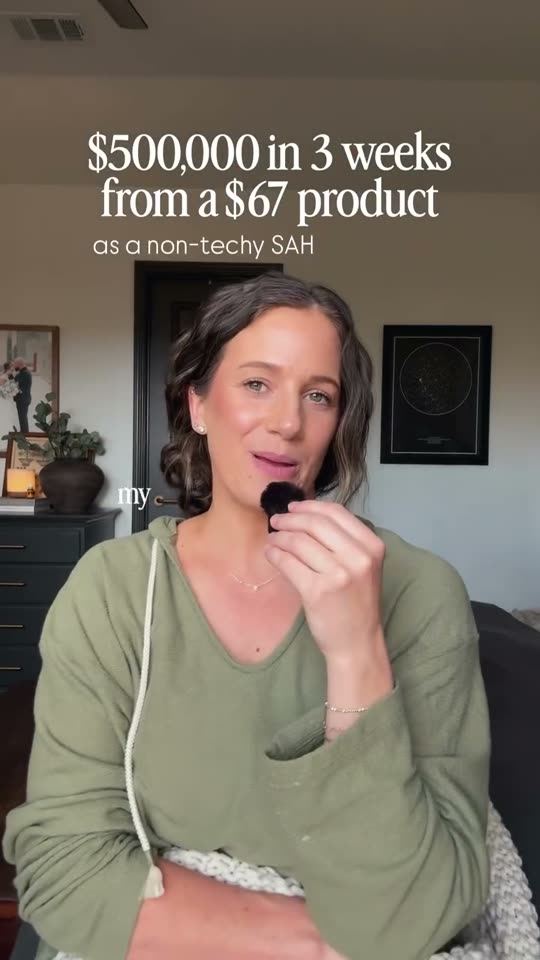
THE REFERENCE
EXAMPLE COMING
MY VERSION
05 · FIX AND TWEAK
Fix anything in one sentence.
Tell AI what's wrong in plain words. It fixes the video and rewrites your skill so the mistake never comes back. A reel that didn't land? Recut just the first three seconds and post again.
YOU
The captions are sitting under Instagram's buttons.
CLAUDE
Fixed on this video, and I've added a rule to your skill: captions stay above the bottom 20% of the frame. It won't happen again.
ALREADY BUILT INTO THE SKILLS
- Something new on screen every 3–4 seconds
- Every text frame readable at phone size
- The zoom rhythm, around 30 a video
- Silences out, best take kept
// why it works
Built for people with standards and no spare time.
1 → 10
videos a week, with a full-time job
3 hrs → 30 min
per video, once it's set up
1 weekend
to set it up, once
Your style, not a template.
It edits from your style board: your fonts, your colours, your spacing, already tested on the backgrounds you film in.
The rules are built in.
Something new on screen every 3 to 4 seconds, text that reads on any background, around 30 zooms a video. It's in the skills, so you never have to remember it.
You approve every cut.
AI proposes, you say yes. Nothing goes out that you didn't sign off on.
It runs on your computer.
DaVinci Resolve Studio is local: no uploading, no waiting on playback, no surprise maintenance windows.
You pay once.
$295 for DaVinci Resolve Studio, once. No per-video fees, no monthly AI editor, no $40 a reel.
Any format, every week.
Talking head, voiceover over B-roll, green screen, travel. Script it from scratch or start from footage you already shot.
// here's the weekend
Saturday you build the system.Sunday you use it.
Set it up this weekend. By Monday, AI edits every video in your style.
// me
I did the weeks of trial and error and turned it into steps you can copy.
// you
Set it up once. After that you film, drop the footage in one folder and approve.
// claude
Does the editing, every week, in your style, and shows you every cut first.
01
saturday morning
Set up once.
6 lessons · about 25 min of video · follow along
- COVERING
- The editor I recommend, and why. Honest pros and cons, then DaVinci Resolve Studio.
- Connected to Claude. Folders and fonts in place.
- How AI cleans your voice. Silences out, best take kept, a tighter cut suggested for you to approve.
- YOU'LL LEAVE WITH
- Claude driving DaVinci Resolve Studio on your own computer, and your voice cleaned on every take.
02
saturday afternoon
Pick your path. Make it yours.
talking head: 1 lesson, 7 min · voiceover + b-roll: 1 lesson, 6 min
- COVERING
- Pick your path. Talking head, or voiceover over B-roll (travel, a day in the life). I edit a real video in each, start to finish, and you follow the one that's yours.
- Make it yours. A visual style board for every type of frame in your videos, tested on every background you film against.
- YOU'LL LEAVE WITH
- A style board that makes AI edit like you, wherever you film.
03
sunday morning
Your first AI edit.
talking head: 2 lessons, 11 min · voiceover + b-roll: 3 lessons, 16 min
- COVERING
- Your first AI edit. Drop in your footage; it adds the zooms, captions, B-roll and sound in your style. Hundreds of clips? AI organises them and builds you a board to approve your selects.
- YOU'LL LEAVE WITH
- Your first video, edited in your style and ready to post.
04
sunday afternoon
Any format. Any fix.
6 lessons · about 28 min of video · follow along
- COVERING
- Learn any format you see. Have AI study a video frame by frame, including a complicated visual hook, and turn it into your own skill.
- Fix it in one sentence. Tell AI what's wrong and it rewrites the skill so the mistake never comes back. Recut just the first three seconds of a reel that didn't land.
- YOU'LL LEAVE WITH
- Every format you like, as a skill of your own, and a way to fix anything in one sentence.
// in a hurry?
Quick Start bonus. Skip the theory: install one of my skills, drop in a take, and have an edited video today. Come back for the full setup when you want it to look like you.
Waitlist open now · early access October 22, $97 for ten days, then $197
// receipts
Not a mockup. My actual Sunday.
The timeline Claude built for one of my videos, start to finish, in my style. I filmed, I approved, it edited.
edit time: 30 min
// here's everything you get
The course, and everything that comes with it.
The course
$297
- 20 short lessons, about an hour and forty minutes. You watch one path, so closer to 80 minutes. Built to be finished in one weekend.
- Two worked examples: a talking-head video and a voiceover-over-B-roll video, each taken from raw footage to posted, style board included.
- The rules built into every skill, so you never have to remember them.
// + the bonuses
Quick Start bonus
Just want the packs? Install one and edit a video today. Templates only, no theory.
$47
4 editing skill packs
Talking head · Talking head with B-roll · Graphics and emphasis text · Voiceover + B-roll. $47 each.
$188
Bonus pack: green screen
Your head in the corner, the thing you’re talking about filling the frame. Article, site, chart, receipt.
$47
The prompt library
The study prompt, the style board prompt, the voiceover script prompt, the approval board prompt, the checks.
$67
Style board template and graphics packs
Plug in your fonts and colours, or use them as they come.
$47
Fonts and sounds
Playfair Display and Inter ready to install. A curated sound effects list with the folder structure.
$27
TOTAL VALUE
$720
EARLY ACCESS, FROM OCTOBER 22
$97
then $197
Edit With AI: The Full Setup
20 lessons · you watch one path, about 78–82 min
- 0Start here7 min
- 1Set up18 min
- 2ATalking head, end to endpath A18 min
- 2BVoiceover + B-roll, end to endpath B22 min
- 3Learn any format21 min
- 4Fix and tweak7 min
- BonusQuick Start: just the packs7 min
// the packs, demoed
My exact setups for the formats that work.
Each pack is an AI editing skill already tuned to edit like this. The pacing, zooms, titles, captions and sounds are pulled out of the format, so you drop in your own video and your own assets and it comes out looking like this. $47 each on their own, $188 for the 4, plus green screen as a bonus.
On top, the video I learned the format from. Underneath, mine, made with the skill you get in the pack.
// their video
“I genuinely cannot wrap my brain around this, y’all.” // mine, with the pack
EXAMPLE COMING
SKILL PACK · $47 VALUE
Talking head
You, a mic and a point to make. Titles that land on the beat, captions that keep the scroll from happening.
// their video
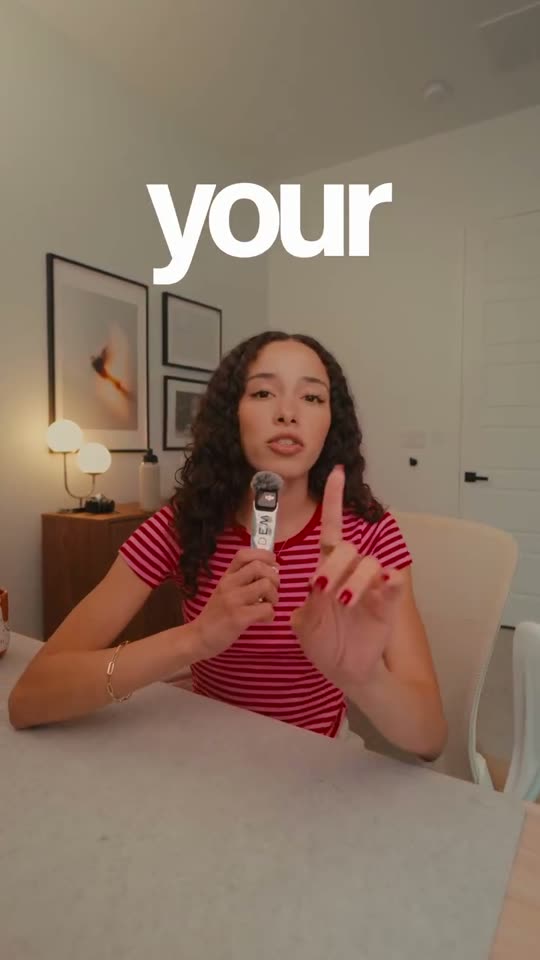
“Comment ‘font’ for the font I use in every video.” // mine, with the pack
EXAMPLE COMING
SKILL PACK · $47 VALUE
Talking head with B-roll
The same setup with cutaways, and the comment-bait word style that keeps people to the end.
// their video
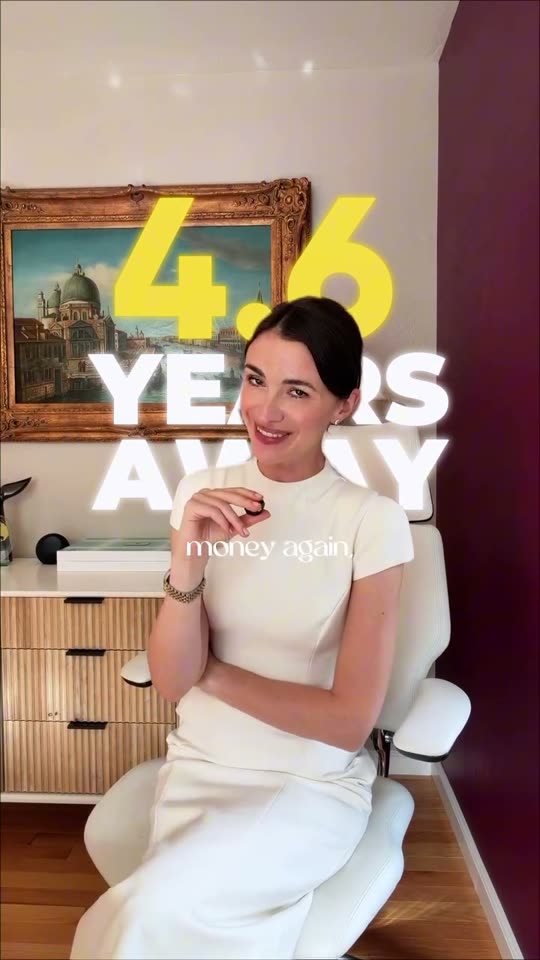
“I’m 4.6 years away from never having to work for money again.” // mine, with the pack
EXAMPLE COMING
SKILL PACK · $47 VALUE
Graphics and emphasis text
When you want more than zooms: big emphasis words, photos and GIFs behind and around you.
// their video

“Spilling all the tea on designer vintage shopping in Japan.” // mine, with the pack
SKILL PACK · $47 VALUE
Voiceover + B-roll
Travel, a day in the life, a recipe: your voice over a pile of clips, each one cut to the words.
// their video
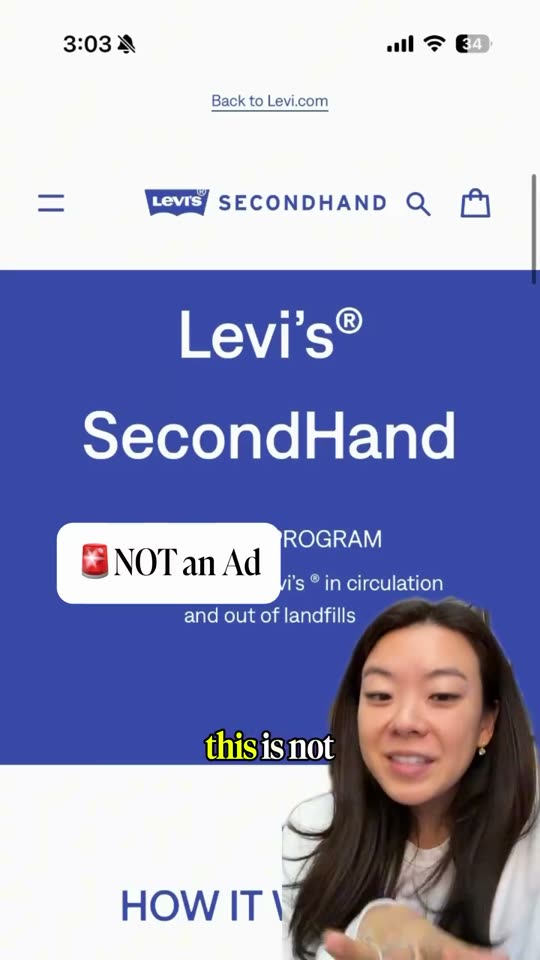
“Your old jeans could help pay for your next pair.” // mine, with the pack
EXAMPLE COMING
BONUS PACK · $47 VALUE
Green screen
Your head in the corner, the thing you’re talking about filling the frame. Article, site, chart, receipt.
// let's level set
This isn't one-click editing. It's a setup.
You spend one weekend building it: two tools connected, your style board made, your first video cut with it, one format you love turned into a skill. After that it's about 30 minutes a video, not zero. You still film. You still approve every cut. Your taste stays in charge, which is the whole point.
If you want a button that does it all for you, this isn't it. If you want your videos to look like yours without the hours, it is.
// what you'll need
- A computer, and a paid Claude plan with the desktop app.
- DaVinci Resolve Studio: $295, paid once. Over a year that's cheaper than any monthly AI editor, and it's the one I recommend.
- One weekend.
// pricing
Early access · October 22 (9am ET) to October 31 (midnight ET)
$97 $197
After that: $197. Everything above, $720 in full value, instant access, no drip.
Waitlist open now · early access October 22, $97 for ten days, then $197
// read this before you join
Who it's for, and who it isn't.
THIS IS FOR YOU IF
- You film talking-head videos, or clips you talk over: travel, a day in the life, anything with a lot of footage.
- You care that your videos look like you, not like a template.
- You have a job, clients or kids, and editing is the step that keeps killing your consistency.
- You've tried an auto-editor and didn't like what came back.
IT'S NOT FOR YOU IF
- You want one click and no setup.
- You won't install software on your computer.
- You're happy with a template look.
- You don't film anything yet. This edits your footage; it doesn't make it.
// questions
Before you ask.
Do I need DaVinci Resolve Studio, or will the free version work?
Studio. The free version of DaVinci Resolve can't be controlled by Claude. It's $295, once, and it's yours. If $295 up front feels like a lot, you can try Vyra first, at about $24 a month. Just know it's a lot slower: you upload all of your footage to it, playback lags in the browser, and you often have to download the video to see what it actually looks like.
Mac or Windows?
Either. DaVinci Resolve Studio and the Claude desktop app both run on Mac and Windows.
Which Claude plan do I need?
Pro at least. Editing video uses a lot of tokens, and the free plan won't get you through a weekend of it.
Do I need to know how to code?
No. You talk to Claude in plain English. The one technical step, connecting Claude to DaVinci Resolve Studio, is done with you click by click.
I've never used DaVinci Resolve Studio. Is that a problem?
No. Claude does the editing inside DaVinci Resolve Studio. You learn the handful of things you need: open a project, watch the edit, approve it, export.
I just want edited videos today. Is there a shortcut?
Yes: the Quick Start bonus. Install one of my packs, drop in a take and have an edited video today. Come back for the full setup when you want it to look like you.
Does it work for travel videos?
Yes. Voiceover over B-roll is one of the two paths, edited start to finish on a real pile of clips. The packs add graphics and green screen.
Is the course live?
No. It's recorded, so you can do it whenever you like. The full course is there the day you join.
What if it doesn't work for me?
Do the setup weekend. If it doesn't work for you and save you a ton of time, email me within 14 days, and I'll either help you or refund you.
Waitlist open now · early access October 22, $97 for ten days, then $197
// who's teaching this
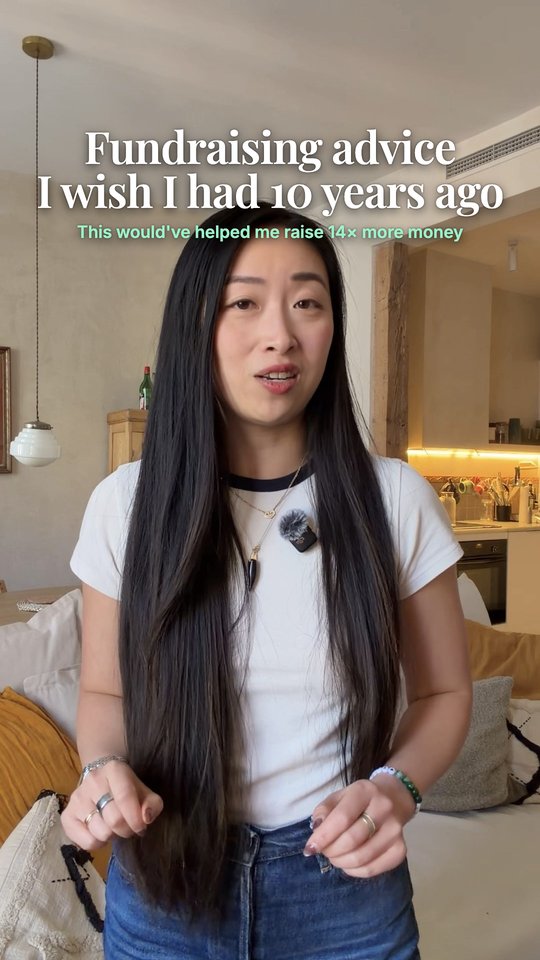
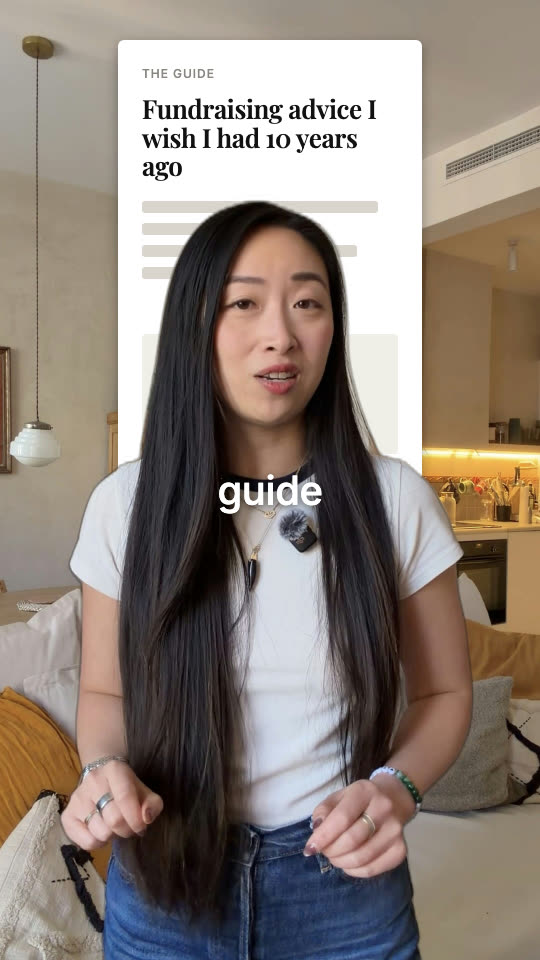
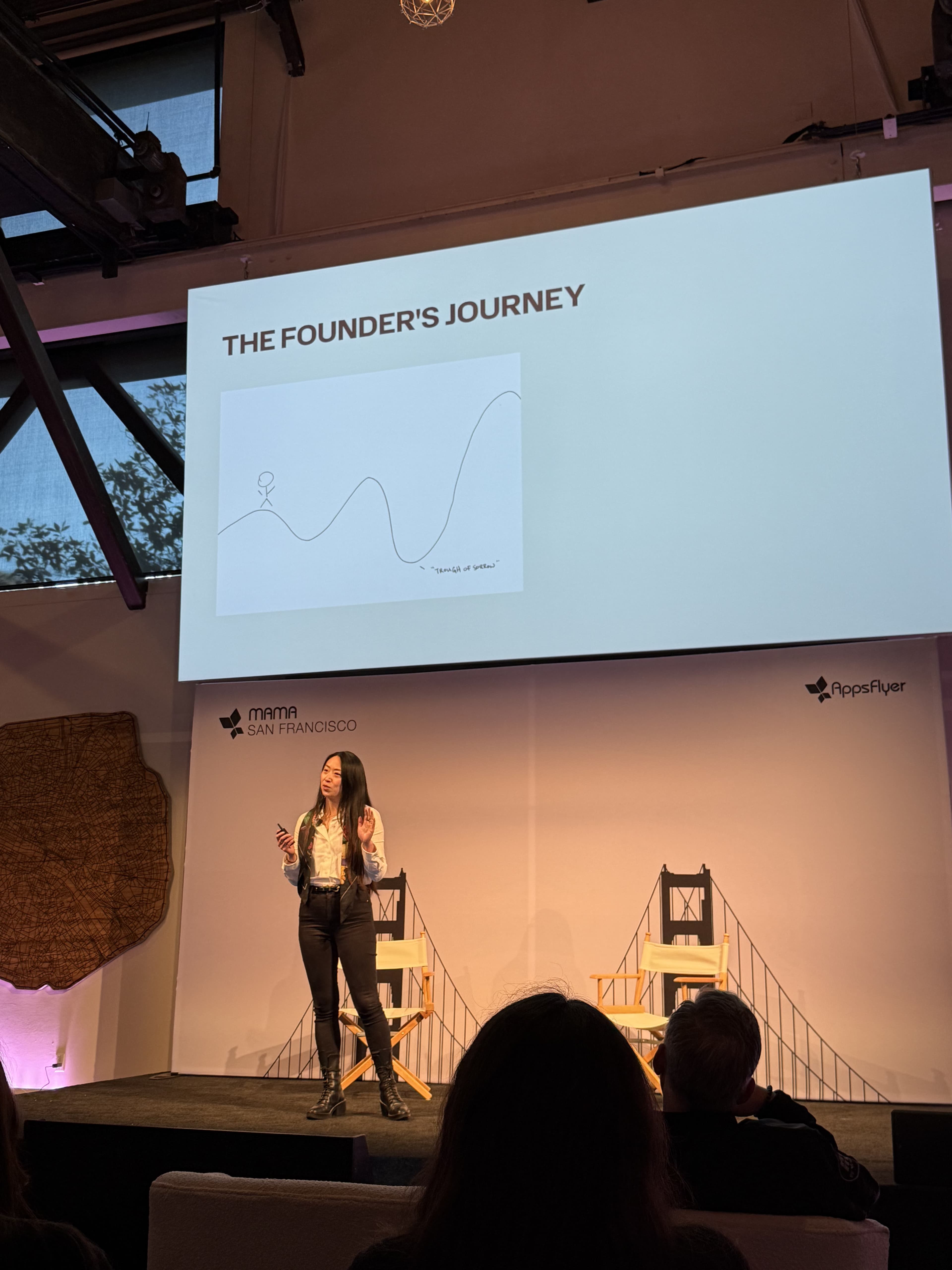
I'm Susan.
I built and sold a travel company, I work a full-time job, and I post ten videos a week. I spent a full weekend testing every AI editing tool so you don't have to. This is what I actually use.
1 → 10
videos a week, with a full-time job
3 hrs → 30 min
per video, once it's set up
1 weekend
to set it up, once
// last thing
You can spend another Sunday in the timeline. Or one weekend setting it up, and never again.
Set it up this weekend. By Monday, AI edits every video in your style.
// p.s. if you only read one thing
I know the worry. You've seen what AI edits look like, and you'd rather post nothing than post that.
That's exactly why this starts with your style, not the AI's. You show it what good looks like once, and it holds to that every week, on every video.
One weekend. Then you get your evenings back.
Susan
// early access opens october 22